You don’t need a $200-a-month SEO subscription to rank. You need to know where your traffic already stands, what’s stopping the next 10 pages from moving up, and which quick fixes are worth your time first. Every tool below can get you there without a credit card and where a tool has a “free but capped” plan, we’ve called it out so you’re not surprised later.
Can you actually do SEO without paid software?
Mostly, yes, especially in the first year or two. Google and Bing give away the two most important data sources (real ranking and click data) for free, with no ceiling. What paid tools mainly add is scale: crawling 50,000 pages instead of 500, or checking backlinks 1,000 times a month instead of 10. If you’re working on one site, the free tier of almost everything here is enough.
“Free” vs. “free plan”: know the difference.
A handful of these tools (Google Search Console, PageSpeed Insights, Rich Results Test) are free forever with no strings attached. Others (Semrush, Moz, Screaming Frog, Seobility) are free plans of paid products useful, but capped on pages, queries, or reports per month. We’ve marked each one so you know what you’re getting into.
Quick-Reference Comparison Table
| # | Tool | Category | Free Type | Beginner-Friendly |
|---|---|---|---|---|
| 1 | Google Search Console | Rankings & indexing | Core free | ⭐⭐⭐⭐⭐ |
| 2 | Google Analytics 4 | Traffic & conversions | Core free | ⭐⭐⭐ |
| 3 | Bing Webmaster Tools | Rankings & indexing | Core free | ⭐⭐⭐⭐⭐ |
| 4 | Google Business Profile | Local SEO | Core free | ⭐⭐⭐⭐⭐ |
| 5 | Looker Studio | Reporting & dashboards | Core free | ⭐⭐⭐ |
| 6 | Google Keyword Planner | Keyword research | Core free | ⭐⭐⭐⭐ |
| 7 | Google Trends | Keyword research | Core free | ⭐⭐⭐⭐⭐ |
| 8 | Google SERP / Autocomplete / PAA | Keyword research | Free utility | ⭐⭐⭐⭐⭐ |
| 9 | Ahrefs Keyword Generator | Keyword research | Free utility | ⭐⭐⭐⭐⭐ |
| 10 | Keyword Tool | Keyword research | Limited free | ⭐⭐⭐⭐ |
| 11 | AnswerThePublic | Keyword research | Limited free | ⭐⭐⭐⭐ |
| 12 | Ahrefs Webmaster Tools | Technical audit | Core free* | ⭐⭐⭐ |
| 13 | Screaming Frog SEO Spider | Technical audit | Limited free | ⭐⭐ |
| 14 | Seobility | Technical audit | Limited free | ⭐⭐⭐⭐ |
| 15 | Semrush (free account) | Technical audit | Limited free | ⭐⭐⭐ |
| 16 | SEOquake | On-page checks | Free utility | ⭐⭐⭐⭐ |
| 17 | Detailed SEO Extension | On-page checks | Free utility | ⭐⭐⭐⭐⭐ |
| 18 | Ahrefs Backlink Checker | Off-page / backlinks | Free utility | ⭐⭐⭐⭐⭐ |
| 19 | Moz Link Explorer | Off-page / backlinks | Limited free | ⭐⭐⭐⭐ |
| 20 | XML-Sitemaps.com | Sitemaps | Free utility | ⭐⭐⭐⭐⭐ |
| 21 | PageSpeed Insights | Page speed & CWV | Free utility | ⭐⭐⭐⭐⭐ |
| 22 | Lighthouse | Page speed & CWV | Free utility | ⭐⭐⭐ |
| 23 | Chrome DevTools | Page speed & CWV | Free utility | ⭐⭐ |
| 24 | Google Rich Results Test | Structured data | Free utility | ⭐⭐⭐⭐⭐ |
| 25 | Schema Markup Validator | Structured data | Free utility | ⭐⭐⭐ |
The 25 Best Free SEO Tools, Grouped by What You’ll Use Them For
Start Here: The Platforms Every SEO Already Has Open in a Tab
These four are the foundation. If you only ever use four tools from this list, use these; everything else exists to help you act on what these four tell you.
1. Google Search Console
Best for: Real Google impressions, clicks, rankings, indexing status, and Core Web Vitals straight from the source.
How to use it: After verifying your site, check the Performance report weekly and filter for pages ranking in positions 4–20. Those are your fastest wins a page already close to page one usually needs a smaller push than a brand-new page. Then check Coverage and Sitemaps monthly to catch indexing problems before they quietly cost you traffic.
- ✅ The only place you’ll get genuine Google click and impression data
- ✅ No crawl limits, no expiry, completely free
- ⚠️ Only covers your own verified properties, not competitors
- ⚠️ Query and click numbers are sampled and sometimes rounded
🔗 Access: search.google.com/search-console
2. Google Analytics 4
Best for: What happens after someone clicks: engagement, leads, purchases, and which landing pages actually convert.
How to use it: Search Console tells you they clicked; GA4 tells you what they did next. Set up key events (form fills, purchases, calls) early, then build a simple report filtering for Organic Search traffic so you can see which pages and queries drive real business outcomes, not just visits.
- ✅ Connects SEO traffic directly to business results
- ✅ Free at any traffic volume for most small-to-mid sites
- ⚠️ Steeper learning curve than GSC the interface confuses a lot of beginners at first
- ⚠️ Requires proper event/conversion setup to be genuinely useful
🔗 Access: analytics.google.com
3. Bing Webmaster Tools
Best for: Visibility in Bing and Microsoft-powered search (including Copilot’s web results).
How to use it: Verify your site (you can often import verification straight from Search Console), submit your sitemap, and check the Site Explorer for crawl errors. It takes ten minutes to set up and is frequently skipped, even though Bing still sends meaningful traffic in the US.
- ✅ One of the most underused free tools low competition for your attention
- ✅ Includes a free backlink report, something GSC doesn’t offer
- ⚠️ Smaller traffic share than Google in most markets, so treat it as a bonus, not your priority
- ⚠️ Interface and terminology differ enough from GSC to cause minor confusion
🔗 Access: bing.com/webmasters
4. Google Business Profile
Best for: Local SEO — how your business shows up on Google Search and Google Maps.
How to use it: Claim and verify your listing, fill in hours, services, categories, and photos completely, then post updates and reply to reviews regularly. For any business with a physical location or service area, this single free listing often drives more qualified traffic than the rest of your SEO combined.
- ✅ Directly controls how you appear in the local map pack — a huge visibility win for free
- ✅ Reviews and photos build trust before someone even visits your site
- ⚠️ Only relevant if you’re a local or service-area business
- ⚠️ Requires ongoing upkeep (posts, review replies) to stay competitive
🔗 Access: google.com/business
Reporting & Dashboards
5. Looker Studio
Best for: Turning Search Console, GA4, and spreadsheet data into a shareable client or management dashboard.
How to use it: Connect Search Console and GA4 as data sources, then build one page showing organic clicks, top landing pages, non-brand growth, and local performance trends. Set it to auto-refresh so you’re not manually rebuilding a slide deck every month.
- ✅ Free, unlimited reports, and pulls straight from Google’s own tools
- ✅ Makes SEO progress visible to non-technical stakeholders
- ⚠️ Templates take real setup time before they look polished
- ⚠️ Connecting non-Google data sources sometimes needs paid connectors
🔗 Access: datastudio.google.com
Keyword & Search-Intent Research
6. Google Keyword Planner
Best for: Search volume ranges and commercial intent signals, straight from the source Google Ads uses.
How to use it: Enter a seed keyword or your own URL to generate keyword ideas, then sort by competition and typical CPC to spot commercially valuable terms. On accounts with low or no ad spend, volume shows as a wide range rather than an exact number — treat it as directional, not gospel.
- ✅ Comes straight from Google, so intent and competition signals are reliable
- ✅ Great for spotting commercial vs. informational keywords
- ⚠️ Exact volume is hidden behind a minimum ad spend
- ⚠️ Built for advertisers first, SEOs second; the UI reflects that
🔗 Access: ads.google.com/home/tools/keyword-planner
7. Google Trends
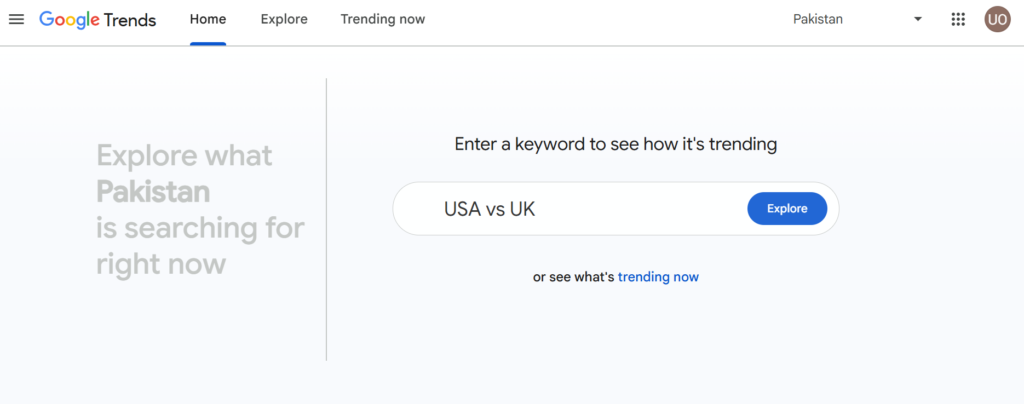
Best for: Seasonality, regional demand, and spotting a topic on the way up before it peaks.
How to use it: Compare two or three related terms to see which is actually gaining interest, filter by country or city, and check “Rising” related queries for content ideas nobody’s written yet. It’s especially useful for planning seasonal content a few months ahead of demand.
- ✅ Genuinely reveals rising topics competitors haven’t covered yet
- ✅ City-level filtering in many regions
- ⚠️ Shows relative interest, not absolute search volume
- ⚠️ Low-volume niche terms can look noisy or flat
🔗 Access: trends.google.com
8. Google Search, Autocomplete & People Also Ask
Best for: Seeing exactly what Google shows for a query — before you write a single word.
How to use it: Search your target keyword and note what’s actually on the page: local pack, videos, shopping results, forum threads, featured snippets, and the People Also Ask questions. This is the fastest free way to understand search intent and match the content format Google is already rewarding.
- ✅ Zero setup, zero cost, and it’s the ground truth of what ranks
- ✅ PAA questions double as a ready-made content outline
- ⚠️ Manual and slow if you’re researching dozens of keywords
- ⚠️ Results are personalized/localized unless you control for that
9. Ahrefs Keyword Generator
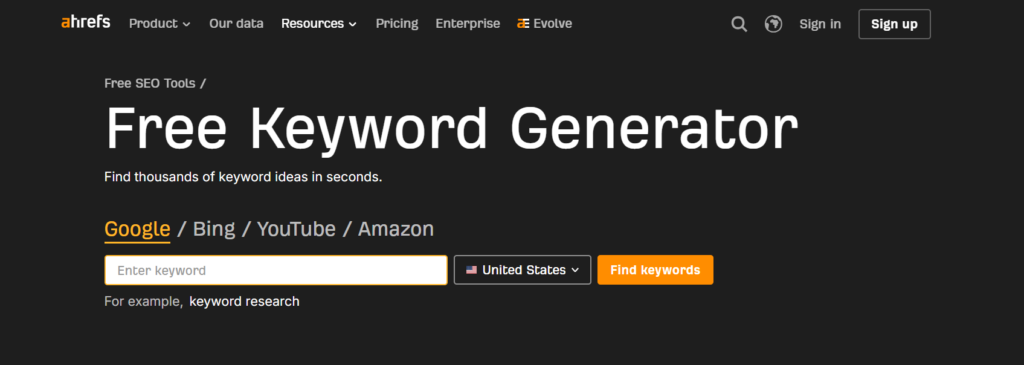
Best for: Fast keyword expansion across Google, Bing, YouTube, and Amazon without opening a full paid suite.
How to use it: Drop in a seed keyword and pick your search engine — YouTube and Amazon are particularly handy if your content strategy includes video or product pages, not just blog posts.
- ✅ Multi-platform (not just Google) is rare for a free tool
- ✅ No account required for basic results
- ⚠️ Full volume and difficulty data is capped without an Ahrefs account
- ⚠️ Best treated as an idea generator, not a final keyword list
🔗 Access: ahrefs.com/keyword-generator
10. Keyword Tool
Best for: A broad list of long-tail, autocomplete-based keyword phrases.
How to use it: Enter a seed term and export the autocomplete-based suggestions as a starting list, then cross-check the most promising ones in Keyword Planner or Trends for actual volume.
- ✅ Generates long-tail variations faster than typing autocomplete manually
- ✅ Covers Google, YouTube, Bing, Amazon, and app stores
- ⚠️ Search volume, CPC, and competition data are paywalled on the free plan
- ⚠️ Free searches per day are limited
🔗 Access: keywordtool.io
11. AnswerThePublic
Best for: Turning one seed topic into a visual map of questions, comparisons, and prepositions people actually search.
How to use it: Enter a topic to generate question-based and comparison-based queries, then pull the strongest ones straight into an FAQ section, service page, or video script outline.
- ✅ Excellent for topical clusters and FAQ content specifically
- ✅ The visual “search cloud” format makes gaps easy to spot at a glance
- ⚠️ Free searches per day are limited
- ⚠️ Some results skew repetitive on very broad topics
🔗 Access: answerthepublic.com
Technical SEO & Full-Site Audits
12. Ahrefs Webmaster Tools
Best for: A serious technical and on-page audit, plus real backlink and keyword data, for sites you actually own.
How to use it: Verify ownership (via GSC, a meta tag, or DNS), then run Site Audit to scan for the 170+ issues it checks — broken links, duplicate content, missing tags, and more. It’s the closest free tool gets to a paid-suite-quality audit.
- ✅ Full backlink and keyword data most free tools don’t offer
- ✅ Comprehensive issue checklist with clear fix guidance
- ⚠️ Requires ownership verification — you can’t audit competitor sites this way
- ⚠️ Some advanced filters nudge you toward the paid Ahrefs plans
🔗 Access: ahrefs.com/webmaster-tools
13. Screaming Frog SEO Spider
Best for: Crawling a small-to-medium site to find broken links, redirect chains, duplicate titles, and thin pages.
How to use it: Download the desktop app and point it at your site no account needed. It crawls up to 500 URLs free; larger sites will hit that ceiling fast, so scope the crawl to one section (like /blog/) if your site is bigger.
- ✅ The industry-standard technical crawler — most agencies still default to it
- ✅ No sign-up, works offline once installed
- ⚠️ 500-URL cap on the free version means it won’t cover most mid-size or large sites
- ⚠️ Desktop-only, and results can be dense for a first-time user
🔗 Access: screamingfrog.co.uk/seo-spider
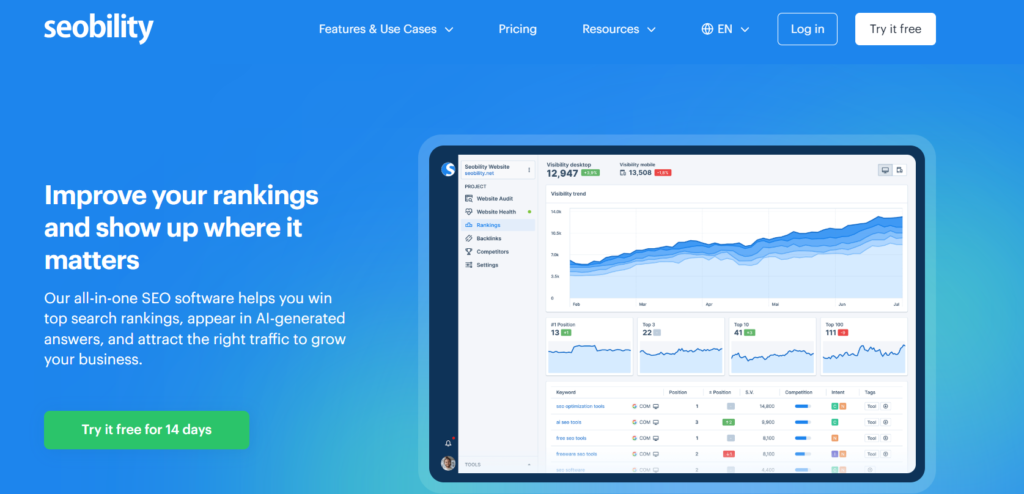
14. Seobility
Best for: Small-site owners who want ongoing monitoring without juggling multiple tools.
How to use it: Set up your one free project (up to 1,000 subpages), then use the built-in audit, rank tracking, and backlink views together instead of stitching together separate tools.
- ✅ One free project covers audit + rank tracking + backlinks in a single dashboard
- ✅ Genuinely aimed at beginners, not power users
- ⚠️ Limited to one project/domain on the free plan
- ⚠️ Data depth is lighter than Ahrefs or Semrush once you dig in
🔗 Access: seobility.net
15. Semrush (free account)
Best for: Quick competitor snapshots and one-off keyword checks — not your daily driver.
How to use it: Use the no-toolkit Site Audit for a fast scan (capped around 100 crawlable pages a month) and pull occasional competitor domain overviews. Ration your free lookups for moments you actually need a second opinion rather than routine checks.
- ✅ Same underlying data as the paid platform, just rationed
- ✅ Domain Overview gives a fast competitor snapshot in seconds
- ⚠️ Report and crawl limits are tight — not viable as a main tool
- ⚠️ Constant upgrade prompts can get in the way
🔗 Access: semrush.com
On-Page Checks (Browser Extensions)
A quick note before this pair: an earlier draft of this research also flagged SEO Minion here. We checked its current Chrome Web Store listing and it now requires a paid Keywords Everywhere subscription to unlock — so it’s out, and SEOquake (verified genuinely free, no account needed) is in.
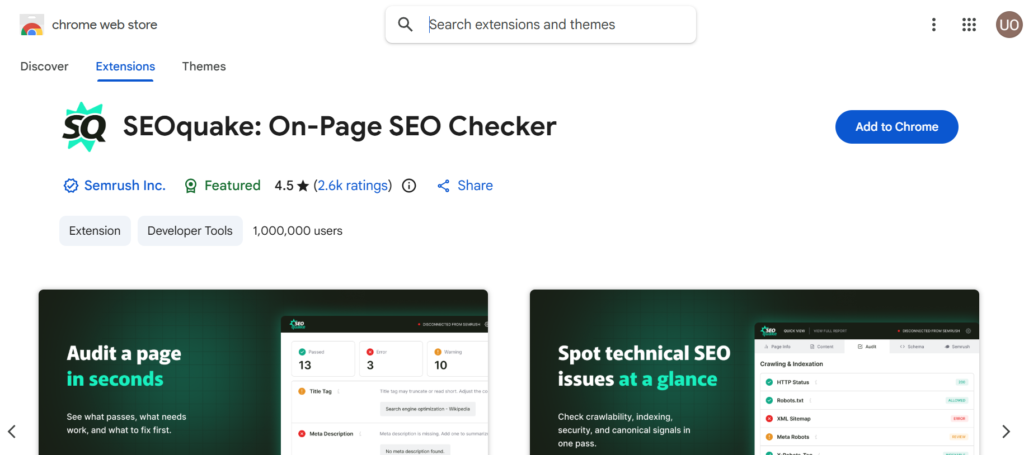
16. SEOquake
Best for: A one-click SEO snapshot of any page — yours or a competitor’s — right in your browser toolbar.
How to use it: Install the extension, then click it on any page for an instant readout of title/meta length, keyword density, internal/external link counts, and indexation status. The SERP overlay is the standout feature — it adds SEO metrics directly under every Google result.
- ✅ No account or subscription required for the core toolset
- ✅ Works on any page, including competitor sites
- ⚠️ Some advanced metrics require connecting a Semrush account
- ⚠️ The sheer number of metrics can overwhelm a first-time user
🔗 Access: Chrome Web Store — SEOquake
17. Detailed SEO Extension
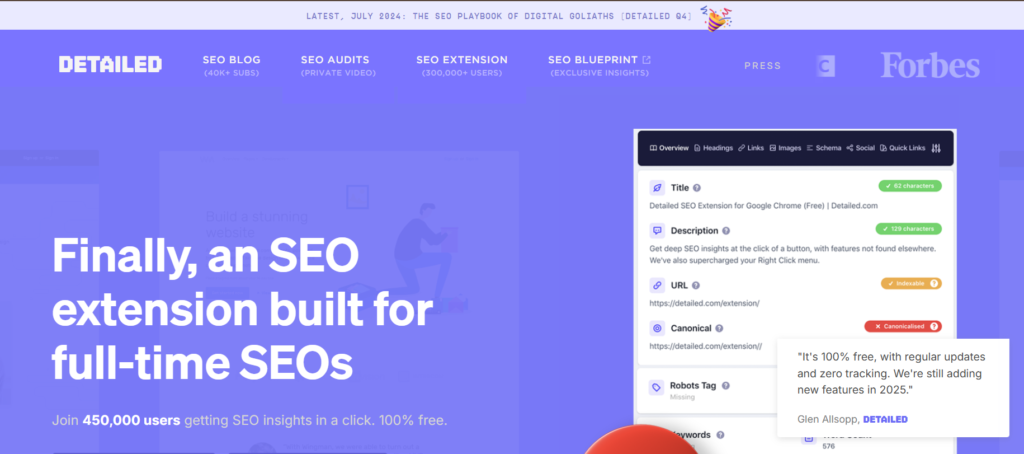
Best for: A fast, no-friction check of title tags, headings, schema, and indexability on any page.
How to use it: Click the extension icon on any URL to instantly see title, meta description, canonical tag, headings, and structured data — genuinely useful for auditing your own pages or sizing up a competitor’s in seconds.
- ✅ 100% free with no functional limits and no sign-up
- ✅ Extremely lightweight — negligible impact on browser performance
- ⚠️ Chrome only (no official Firefox support as of this writing)
- ⚠️ Surface-level by design — it’s a snapshot tool, not a full audit
🔗 Access: detailed.com/extension
Off-Page SEO & Backlink Analysis
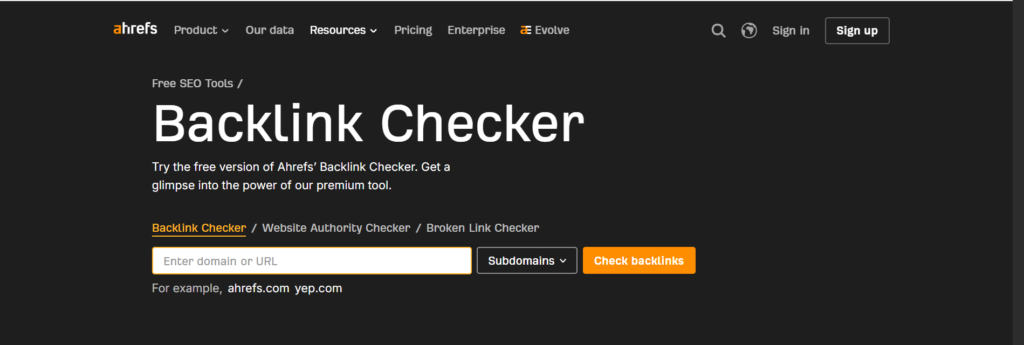
18. Ahrefs Backlink Checker
Best for: A quick read on the strongest links pointing to any page or domain, including competitors’.
How to use it: Paste in any URL to see its top backlinks and referring domains — a fast way to find out where a competitor earned coverage that you could realistically pursue too.
- ✅ Works on any domain, not just ones you own
- ✅ Surfaces the top 100 backlinks to a page for free
- ⚠️ Full backlink list and historical data require a paid plan
- ⚠️ No ongoing monitoring or alerts on the free version
🔗 Access: ahrefs.com/backlink-checker
19. Moz Link Explorer
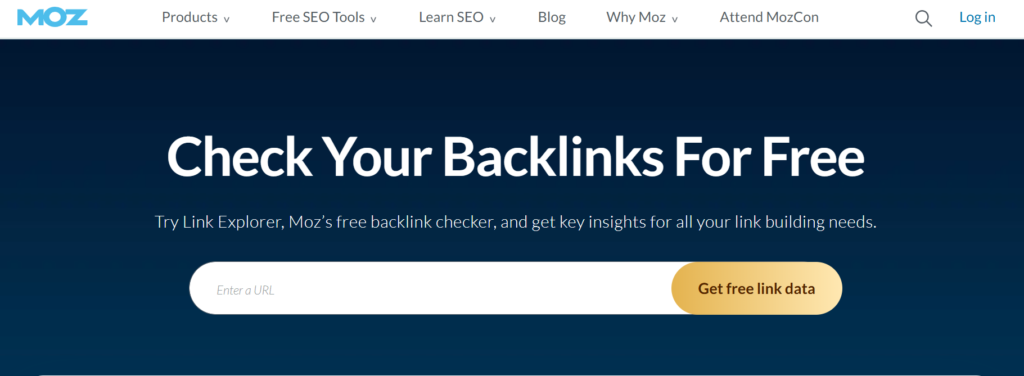
Best for: Domain Authority, Page Authority, and Spam Score checks alongside backlink details.
How to use it: Look up your domain or a competitor’s to see DA/PA, linking domains, anchor text distribution, and follow/nofollow breakdowns. With only 10 free queries a month, save them for domains you’re seriously evaluating rather than casual browsing.
- ✅ DA/PA and Spam Score are widely recognized authority benchmarks
- ✅ Clean, easy-to-read link and anchor text breakdown
- ⚠️ Just 10 queries per month on a free account
- ⚠️ DA/PA are Moz’s own metrics, not Google ranking factors
🔗 Access: moz.com/link-explorer
Sitemaps & Crawl Setup
20. XML-Sitemaps.com
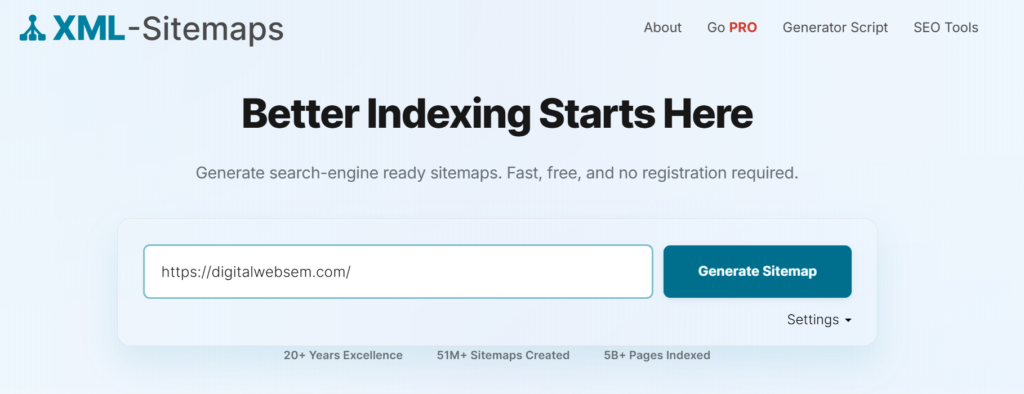
Best for: Generating an XML sitemap fast when you don’t have a CMS plugin or a developer handy.
How to use it: Enter your URL to generate a downloadable sitemap (free for sites up to 500 pages, no registration), then submit it through both Search Console and Bing Webmaster Tools so both engines find your pages faster.
- ✅ No account, no software install — works entirely in the browser
- ✅ Covers sites up to 500 URLs on the free tier
- ⚠️ Static output — won’t auto-update as you add pages
- ⚠️ Larger sites need a CMS plugin or dev solution instead
🔗 Access: xml-sitemaps.com
Page Speed & Core Web Vitals
21. PageSpeed Insights
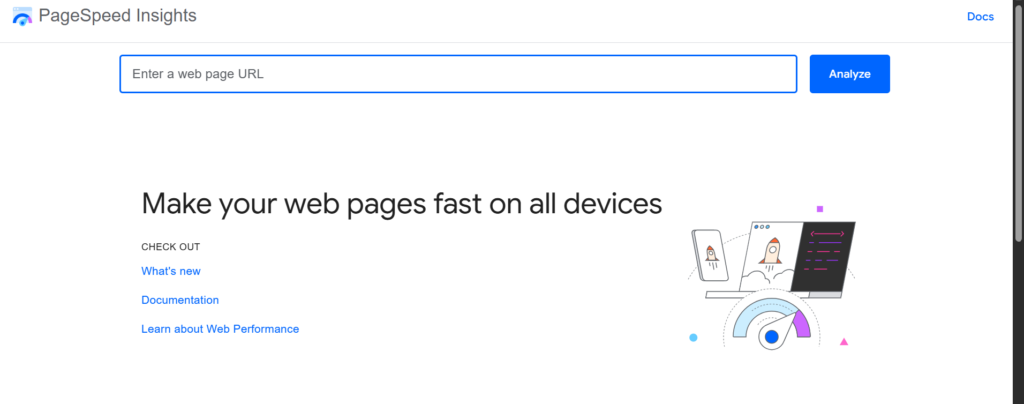
Best for: Testing any public URL for mobile and desktop performance, with concrete fixes.
How to use it: Paste in a URL to get lab and real-world (field) data side by side, then work down the list of opportunities by biggest impact first. Don’t fixate on the 0–100 score alone — a page can score “poorly” while still passing Core Web Vitals for real users.
- ✅ Combines lab testing with real Chrome user data
- ✅ Recommendations are specific and actionable, not vague
- ⚠️ Field data isn’t available for lower-traffic pages
- ⚠️ Score volatility between tests can be confusing for beginners
🔗 Access: pagespeed.web.dev
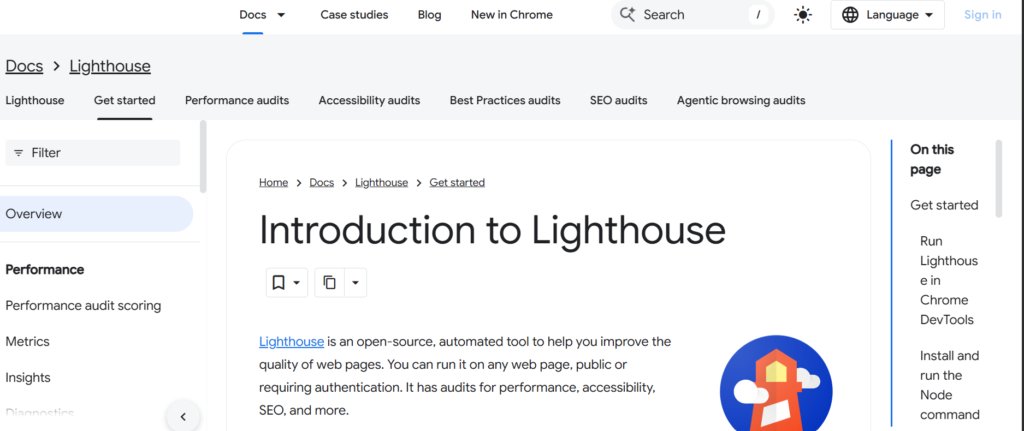
22. Lighthouse
Best for: A full quality audit (performance, accessibility, best practices, and SEO) before you ship a template.
How to use it: Run it from Chrome DevTools’ Lighthouse panel (or the standalone site) on key templates — homepage, category page, product page, blog post — before launch, not after.
- ✅ Audits accessibility and best practices, not just speed
- ✅ Built into Chrome — no install needed
- ⚠️ Results vary run-to-run depending on your machine and network
- ⚠️ Best used pre-launch; less suited to ongoing monitoring
🔗 Access: developer.chrome.com/docs/lighthouse
23. Chrome DevTools
Best for: Diagnosing whether your text, links, canonical tags, and schema actually load the way you think they do.
How to use it: Open DevTools (F12), then use the Network tab to check what’s actually being served, and Elements to confirm important content isn’t hidden behind JavaScript that crawlers might struggle with.
- ✅ Free, built-in, and shows you exactly what a browser (and often a crawler) sees
- ✅ Essential for diagnosing JavaScript-related SEO issues
- ⚠️ Steepest learning curve of any tool on this list
- ⚠️ Overkill for simple sites with no rendering complexity
Structured Data & Schema Validation
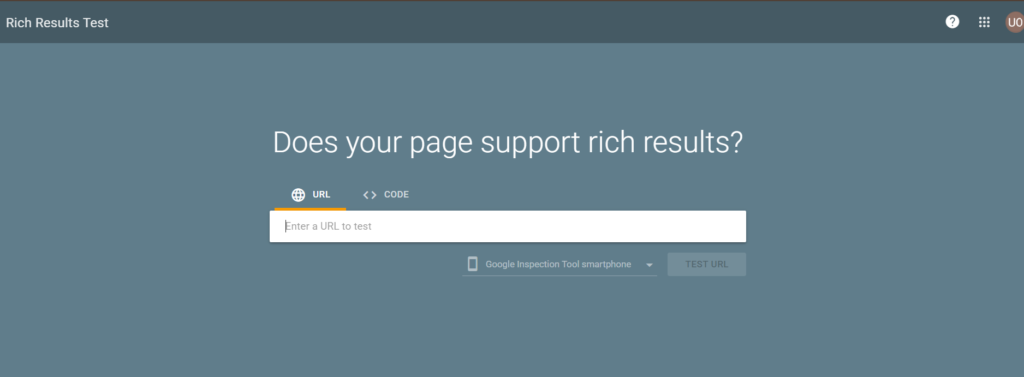
24. Google Rich Results Test
Best for: Checking whether your structured data qualifies for Google’s rich results (star ratings, FAQs, recipes, and more).
How to use it: Paste in a URL or raw code to see exactly which rich result types you’re eligible for, plus any errors or warnings blocking them.
- ✅ Tells you specifically what Google will and won’t show as a rich result
- ✅ Clear, itemized error and warning list
- ⚠️ Only validates for Google’s specific rich-result requirements
- ⚠️ Passing here doesn’t guarantee the rich result actually appears in search
🔗 Access: search.google.com/test/rich-results
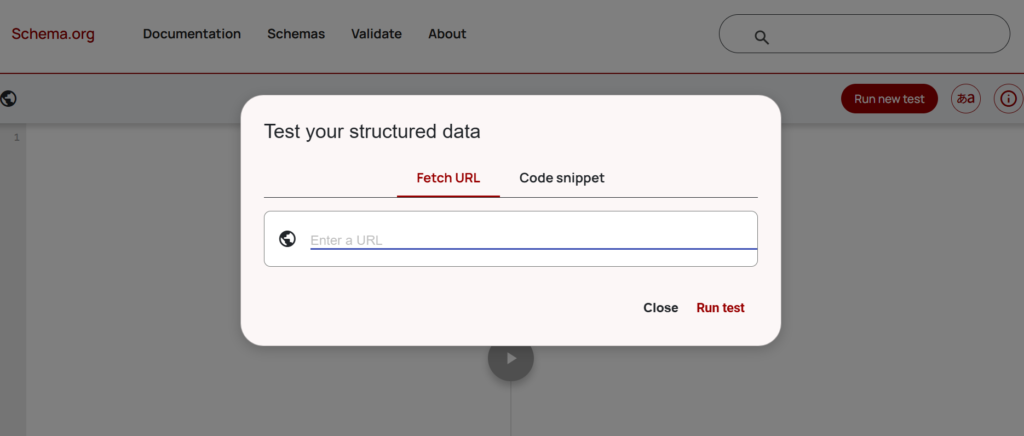
25. Schema Markup Validator
Best for: Checking Schema.org markup broadly — including JSON-LD, Microdata, and RDFa — beyond just Google’s rich-result rules.
How to use it: Use this alongside Rich Results Test when your markup needs to be technically valid Schema.org even if it isn’t meant to trigger a Google rich result specifically.
- ✅ Broader coverage than Rich Results Test — not Google-specific
- ✅ Supports all three major markup formats
- ⚠️ Doesn’t tell you whether Google will actually use the markup
- ⚠️ More technical output, less beginner-friendly framing
🔗 Access: validator.schema.org
Best Free Tool for Each SEO Task
| SEO Task | Best Free Tool |
|---|---|
| Rank & performance tracking | Google Search Console |
| Keyword research | Google Keyword Planner |
| Seasonal/trending topics | Google Trends |
| Full technical audit | Ahrefs Webmaster Tools |
| Small-site crawling | Screaming Frog SEO Spider |
| Backlink checking | Ahrefs Backlink Checker |
| Domain authority checks | Moz Link Explorer |
| Page speed | PageSpeed Insights |
| On-page snapshot | Detailed SEO Extension |
| Structured data | Google Rich Results Test |
| Bing visibility | Bing Webmaster Tools |
| Local SEO | Google Business Profile |
Free Tools vs. Paid Tools: Where’s the Line?
Free tools cover the fundamentals well: what’s ranking, what’s broken, what’s slow, and what a handful of backlinks look like. Where they run out of road is scale and history — crawling a 50,000-page site, tracking keyword rankings daily across hundreds of terms, or pulling a competitor’s full five-year backlink history. If you’re managing one site under a few thousand pages, the free stack below will carry you a long way. A paid platform (Ahrefs, Semrush, or similar) becomes worth it once you’re managing multiple sites, need daily rank tracking, or need backlink data deep enough for outreach at scale.
The other thing free tools do well when combined: they cross-check each other. Search Console tells you what’s ranking; PageSpeed tells you if speed is holding it back; Screaming Frog tells you if a technical issue is the real blocker. No single free tool does all three — but together, they cover the same ground a $100+/month suite does for most small sites.
Build Your Free SEO Toolkit
A practical starting stack that covers reporting, research, technical health, and speed without overlap:
Google Search Console (rankings & indexing) + Google Analytics 4 (conversions) + Google Keyword Planner (keyword research) + Screaming Frog (technical crawl) + PageSpeed Insights (speed) + Ahrefs Webmaster Tools (backlinks & full audit) + Bing Webmaster Tools (Bing visibility)
That’s seven tools, zero cost, and it covers every major SEO task — traffic, keywords, technical health, speed, and backlinks — without a single subscription.
Frequently Asked Questions About Free SEO Tools
What is the best completely free SEO tool? Google Search Console. It’s the only tool giving you real Google click and impression data at no cost, with no crawl or query limits.
Which free SEO tool is best for keyword research? Google Keyword Planner for volume and intent signals; pair it with Google Trends for seasonality and AnswerThePublic for question-based ideas.
Can free SEO tools improve Google rankings? Yes — the tools themselves don’t move rankings, but the fixes they surface (broken links, slow pages, missing metadata, indexing errors) directly affect how well Google can crawl, understand, and rank your pages.
What is the best free technical SEO tool? Screaming Frog SEO Spider for hands-on crawling of small-to-medium sites, or Ahrefs Webmaster Tools if you want a broader audit plus backlink data in one place.
Can I do SEO without Ahrefs or Semrush? Yes, especially for a single site. Ahrefs Webmaster Tools and the free tiers of Screaming Frog, Seobility, and Moz cover most of what a full paid suite offers — you’ll just hit page or query caps sooner.
Are free SEO tools accurate? The Google and Bing tools (Search Console, GA4, Bing Webmaster Tools) are as accurate as it gets — they’re the actual source data. Third-party tools (Ahrefs, Moz, Semrush) rely on their own crawlers and estimate metrics like Domain Authority, so treat those as directional benchmarks rather than exact figures.
Which free SEO tools are best for beginners? Google Search Console, Google Business Profile, Google Trends, PageSpeed Insights, and Detailed SEO Extension all have a low learning curve and immediate, understandable output.
What free SEO tools can check backlinks? Ahrefs Backlink Checker (top 100 links, any domain) and Moz Link Explorer (10 queries/month, includes Domain Authority) are the two strongest free options.
Conclusion
You genuinely don’t need a paid subscription to start doing solid SEO. Start with the four foundational platforms: Search Console, GA4, Bing Webmaster Tools, and Google Business Profile if you’re local — then layer in keyword research, a technical crawl, and a speed check. Combining a handful of these free tools covers nearly everything a paid suite does for a single site; the main thing you’re trading is scale, not accuracy. Start free, and only pay once you’ve actually hit a wall these tools can’t get you past.